
WAN 2.5 Image Generator
Generate images with WAN 2.5. Choose a resolution, tune optional params, and create high-quality results.
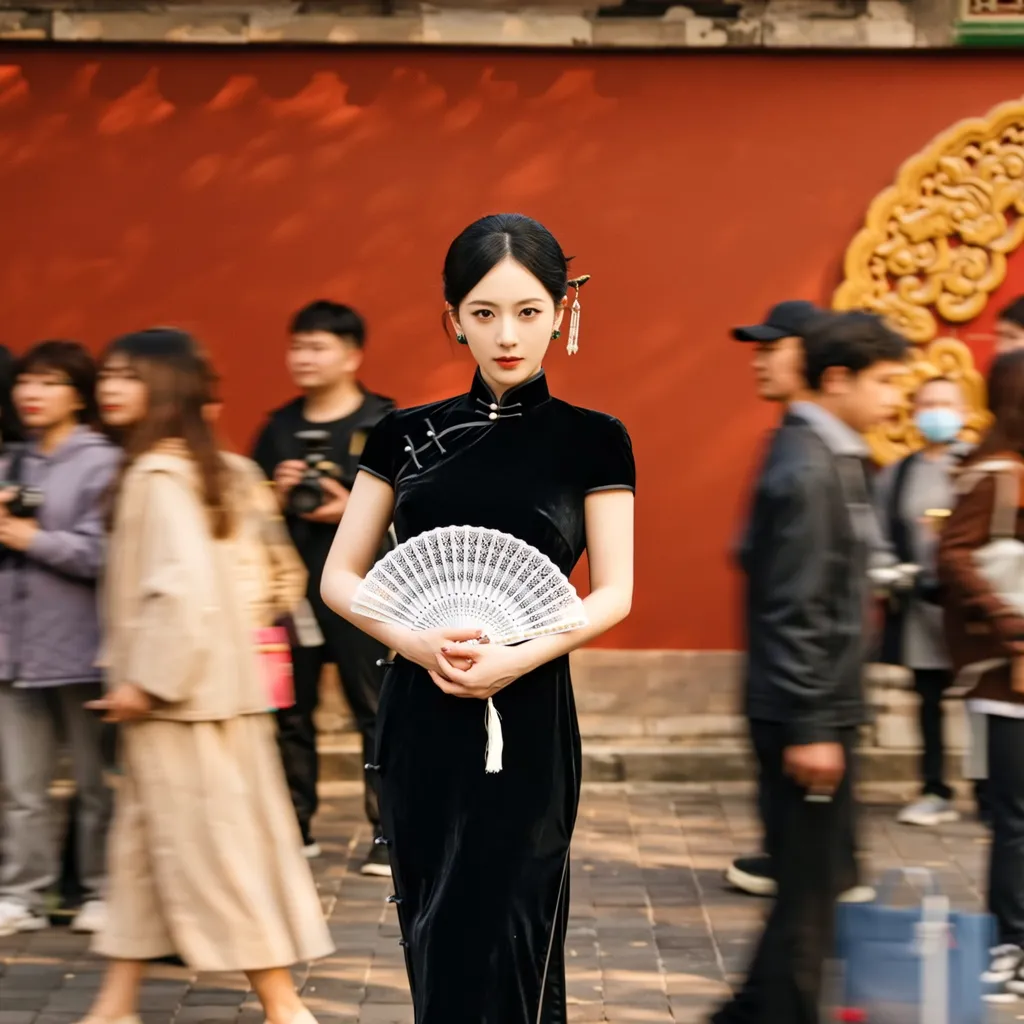
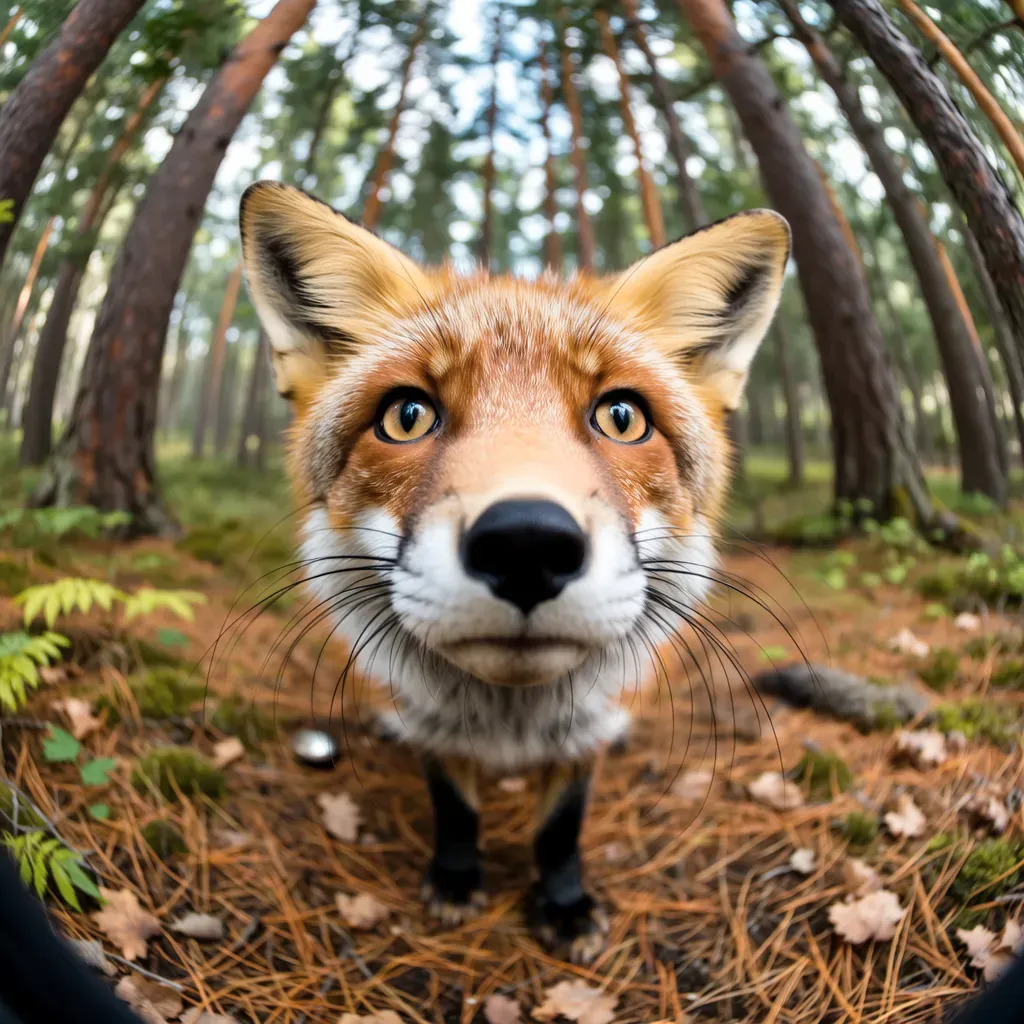
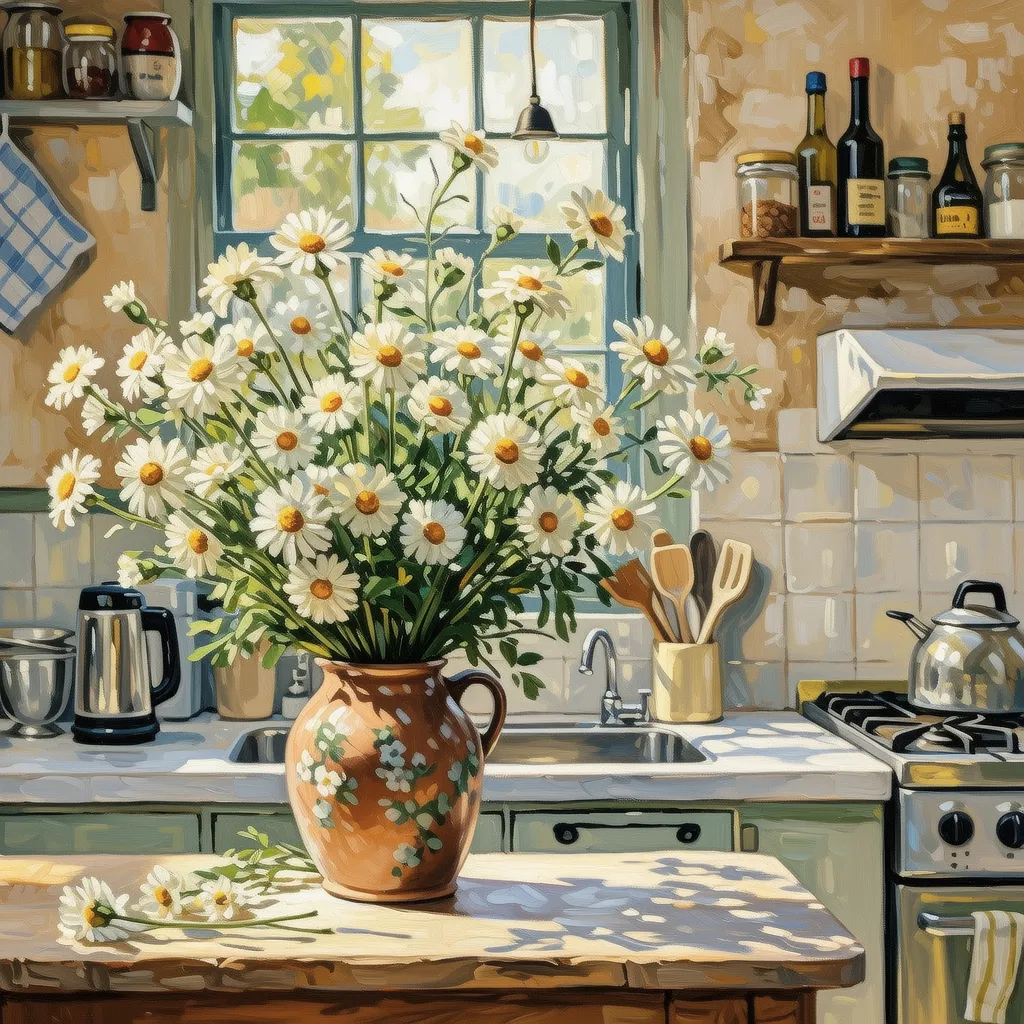
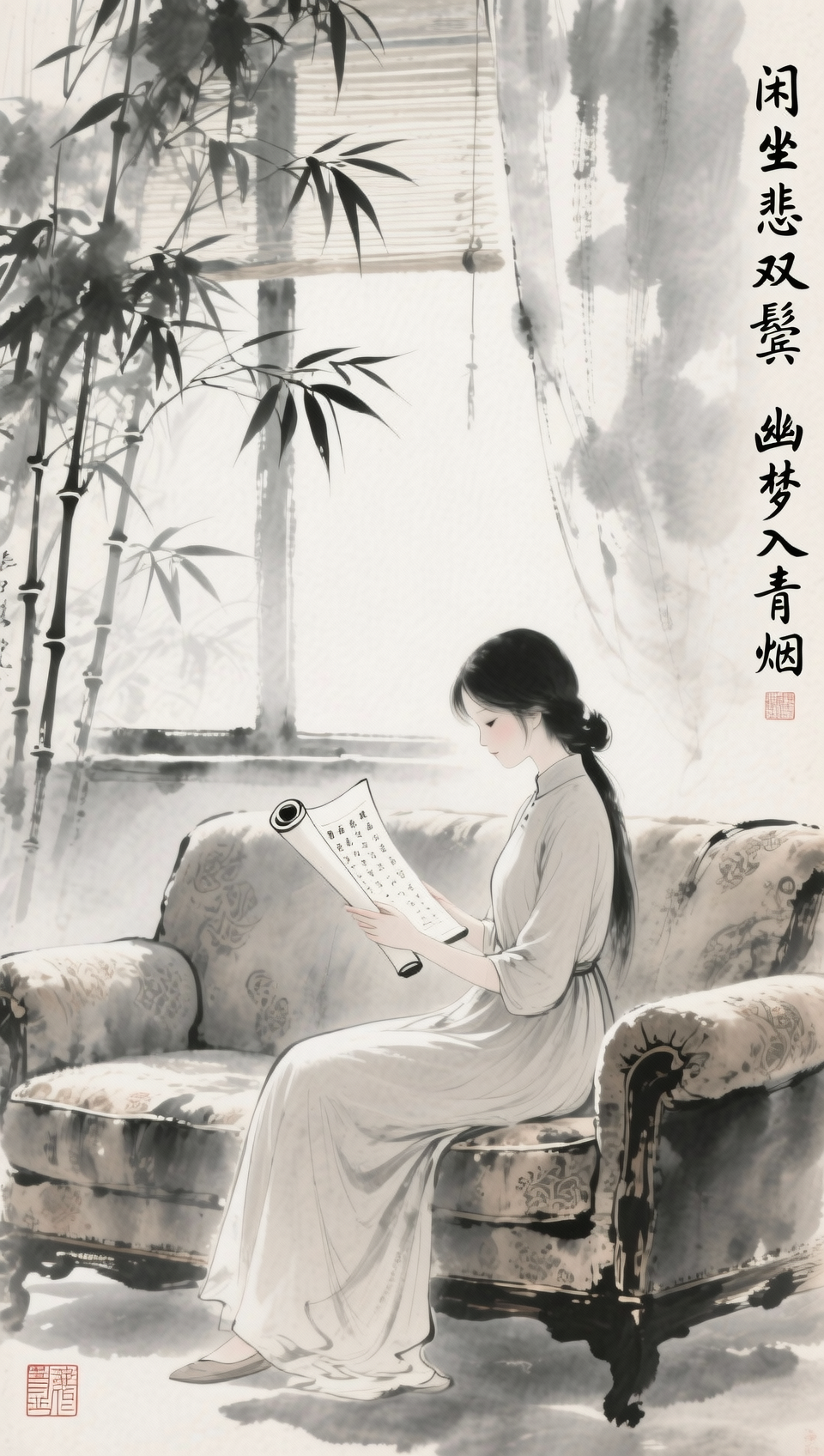
Better for photorealistic/photography-style images; supports flexible resolutions (pixel range 1280x1280 to 1440x1440, aspect ratio 1:4 to 4:1). For complex text layouts, use Qwen-Image first.
Model positioning
WAN 2.5: more photorealistic and photography-oriented
The WAN series is officially positioned as a photorealistic/photography-style text-to-image model, suited for people, scenes, products, and other realistic visuals.
Photorealistic and photography styles
Excels at realistic texture, lighting, and detail for portraits, products, and scenes.
Flexible resolution
Custom sizes are supported within pixel and aspect ratio limits.
Controllable parameters
Supports negative prompt, seed, watermark, and Prompt Extend.
Multiple outputs
Generate up to 4 images at once for easy comparison.
Prompt category examples (with official samples)
Prompt examples from the official docs covering portraits, photorealism, painting, text, posters, and multi-image.
1) Portrait
Prompt: In the photo, an Asian woman stands on a beach facing the sunset. She wears a simple white dress, long black hair flowing. She smiles slightly, gazing softly into the distance. Waves gently hit the sand and the sky is orange-red with the sunset. Her facial features are clear with natural skin texture. The overall image is warm and emotional, with a high-definition photographic style.
2) Photoreal photography
Prompt: A small fox runs across the snow, its fur details clearly visible. Snowflakes sparkle in sunlight. The background is a blurred forest. The overall image has a high-definition photographic look, with vivid colors and rich details.
3) Painting style
Prompt: A field of blooming daisies occupies most of the image, with bright colors and visible brushstrokes in a classic impressionist style. The background is a soft blue sky and distant hills, giving the scene a relaxed, pleasant mood.
4) Text rendering
Prompt: Generate a Chinese ink-wash painting. A cute Chinese cat holds a small wooden sign with clear Chinese text '你好'. The background is simple and highlights the subject. The overall style is classical with delicate brushwork.
5) Poster design
Prompt: Create a Dragon Boat Festival racing poster. Several dragon boats race on the water with paddlers rowing hard. The background has green mountains, blue sky, and white clouds; colors are vivid and festive. At the top, large text reads '端午节快乐' in Chinese calligraphy. The overall style is illustration with rich details and harmonious colors.
6) Multi-image story
Prompt: Generate a four-panel story about a little penguin searching for the sun. Panel 1: the penguin stands on snow looking up at a cloudy sky. Panel 2: the penguin starts the journey past icebergs and the sea. Panel 3: the penguin sees the sun rise from a mountaintop with light shining around. Panel 4: the penguin happily hugs the sun; the scene is warm and bright.
WAN 2.5 prompt best practices (results-oriented)
WAN 2.5 leans photorealistic and photographic, so write prompts with a structure like 'subject + scene + lighting/camera + material details + style'.
Practice 1: Specify photorealistic elements
Realism depends on lighting and materials. Being explicit about camera, lighting, and details works better than piling on style words.
- Subject: age, pose, expression, clothing
- Scene: location, time, weather, background elements
- Camera and lighting: focal length, depth of field, side/back/volumetric light
- Material details: skin texture, metal reflections, grain
Practice 2: Use Prompt Extend for short prompts
Prompt Extend auto-adds details and is good for short, one-line prompts, but adds about 3-4 seconds.
- Short prompts: enable Extend
- Long prompts: disable Extend to avoid drift
- If results are unstable, try 'extend + small keyword tweaks'
Practice 3: Use negative prompts to remove distractions
Negative prompts make it clear what should not appear and reduce trial and error.
- Example: low resolution, blur, distortion, cluttered background
- Avoid logos and watermarks
- Exclude first, then add details
Practice 4: Decide size and aspect ratio first
WAN 2.5 supports flexible sizes, but must fit the pixel range and aspect ratio limits.
- Total pixel range: 1280x1280 to 1440x1440
- Aspect ratio range: 1:4 to 4:1
- Set the layout first, then refine content
Practice 5: Use seed for consistency
Seed helps keep style consistent, but results are not fully reproducible.
- Stabilize a consistent style and composition direction
- Fix the seed for A/B comparisons
- Still adjust keywords to optimize details
Practice 6: Use Qwen-Image for complex text
Official guidance: complex text rendering works better with Qwen-Image; WAN 2.5 focuses on photoreal scenes.
- Switch models for precise layout or multi-line text
- WAN 2.5 is better for photoreal subjects
- For posters, generate the scene first, then typeset with other tools
When is WAN 2.5 the better choice?
When you need photorealistic, photography-like output and want to control details directly with prompts, WAN 2.5 is a strong fit.
Portraits / photography style
Great for high-quality portraits, close-ups, and natural lighting moods.
- Skin, hair, and lighting detail
- Natural scenes or lifestyle portraits
Realistic scenes / animals / products
Well-suited for nature scenes, wildlife photography, and product studio shots.
- Texture, materials, and detail stand out
- Great for ecommerce and brand visual exploration
Stylized illustration / poster drafts
Can handle illustration and basic posters, but switch to Qwen-Image for high-accuracy text.
- Explore illustration styles
- Generate the scene first, then refine layout
Storyboards / multi-image sets
Generate multiple images at once for storyboards or variations.
- Good for 2-4 image comparisons
- Explore multiple directions for one theme
FAQ
WAN 2.5 FAQ
Common questions about WAN 2.5.
Get started
Generate your next image with WAN 2.5
Be explicit about subject, scene, lighting, and materials to get photoreal results fast.
References and sources (for verification and deeper reading)
Features and examples on this page reference official documentation and model notes.
Official docs: Text-to-image (model outputs and prompt examples)
Includes WAN series samples and prompt examples.
API reference: Tongyi Wanxiang Text-to-Image V2
Parameters for size/aspect limits, negative prompt, Prompt Extend, seed, output count, and more.