
Seedream V4.5 Image Generator
A strong creative model for aesthetics and stylization. Works well for posters, scenes, and rich lighting.

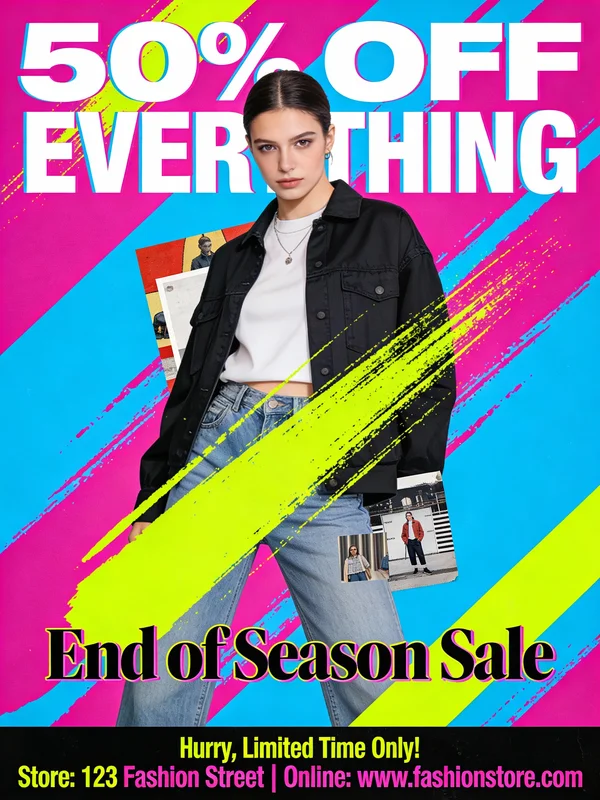
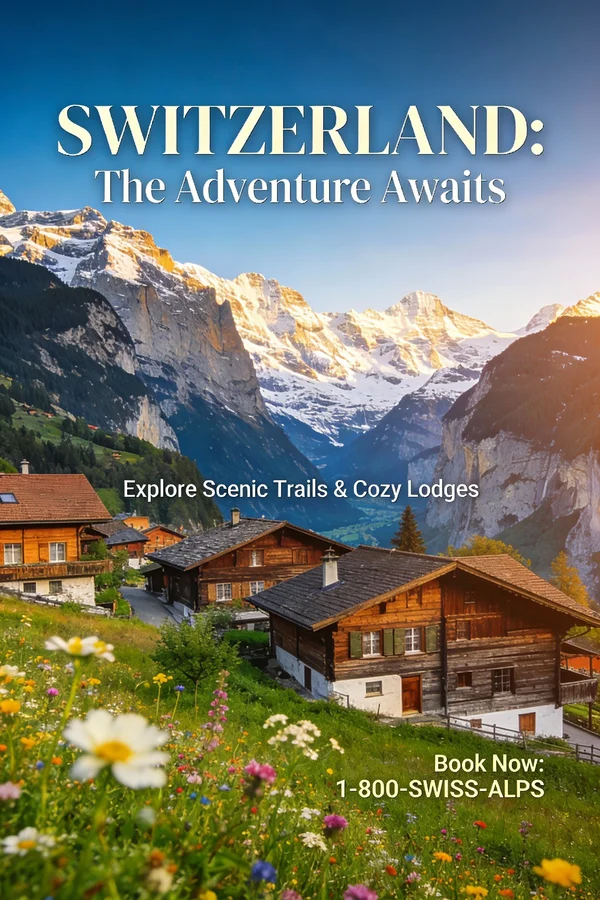
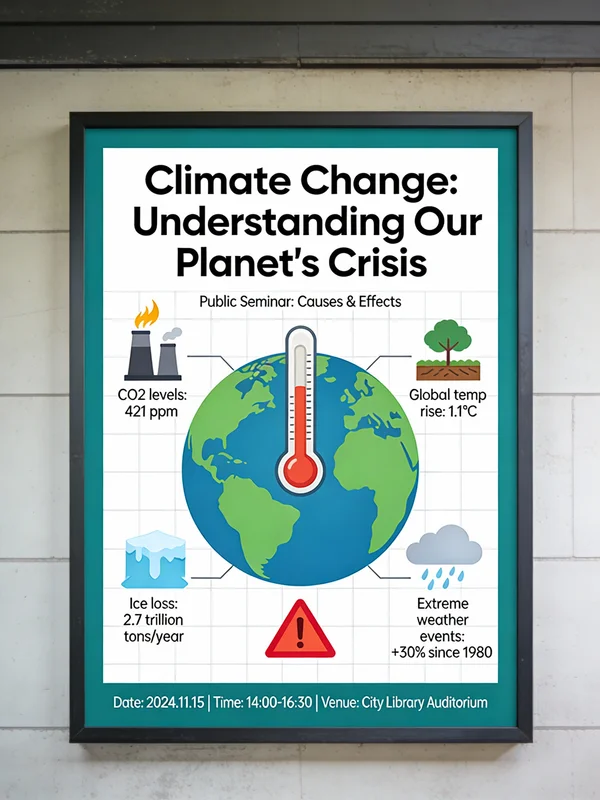
More aesthetic and poster-oriented; great for illustration, brand visuals, and mood images. Supports text-to-image, image-to-image, and multi-image generation.
Model positioning
Seedream 4.5: aesthetic and brand-visual oriented
Official notes emphasize better aesthetics, subject consistency, and instruction following.
Aesthetics and stylization
Better for posters, brand visuals, and mood images.
Consistency and instruction following
Improved character consistency and instruction adherence.
Multi-image blending and layout
Stronger at blending, poster layout, and logo design.
T2I / I2I / multi-image
Supports text and reference images; 4.5 supports multi-image and streaming output.
Prompt category examples (with public samples)
Templates for posters, travel, brand visuals, and infographics.
1) Event poster
Template: event theme + main headline + visual style + layout.
2) Promo poster
Template: promotion theme + discount text + product/person + color palette.
3) Travel poster
Template: location + mood lighting + headline text + layout.
4) Infographic
Template: topic + 3-5 data points + chart type + color rules.
Seedream 4.5 prompt best practices (results-oriented)
This model leans toward aesthetics and layout, so make composition and hierarchy explicit.
Practice 1: Start with theme and layout
Make headlines, hierarchy, and alignment clear.
- Headline / subhead / supporting copy
- Alignment and whitespace
Practice 2: Be specific about color and style
Describe palette and style keywords.
- Palette: high saturation / low saturation / monochrome
- Style: illustration / flat / retro
Practice 3: Quote text clearly
Especially for posters and logo tasks.
- Example: put "SCIENCE FAIR" at the top
- Specify font style and weight
Practice 4: Label roles in multi-image blending
Clarify the role of each reference image.
- Subject / background / style roles
- Avoid conflicting information
Practice 5: Emphasize consistency for multi-image sets
Describe unified style and character traits.
- Keep palette and visual style consistent
- Keep character appearance consistent
When is Seedream 4.5 the better choice?
Best when aesthetics and layout come first.
Brand posters and visual exploration
Great for stylized, atmospheric brand visuals.
- Stronger aesthetics and stylization
- Ideal for brand visual direction exploration
Event / promo posters
Great for posters that require text and layout.
- Clear headlines and hierarchy
- Generate multiple versions
Travel / scene mood images
Good for atmospheric scenes and lighting mood.
- Stylized scenes
- Emphasis on aesthetic texture
Infographics and charts
Great for structured information display.
- Clear layout
- Good for education and content marketing
FAQ
Seedream 4.5 FAQ
Common questions about Seedream 4.5.
Get started
Create your next poster with Seedream 4.5
An aesthetic, layout-focused creative model for stylized and brand visuals.
References and sources (for verification and deeper reading)
Features reference official releases and docs; sample images come from public demos.
Volcengine docs: Seedream series models
Docs for T2I/I2I, multi-image, and streaming output.
Official release coverage: Seedream 4.5 public beta
Notes on aesthetics, instruction following, and spatial logic improvements.