
Z-Image-Turbo: 8-step fast text-to-image
The official 6B text-to-image Turbo variant: fixed 8-step generation for faster inference and high visual quality. Supports Chinese/English/mixed prompts, with a focus on prompt following and native text rendering.
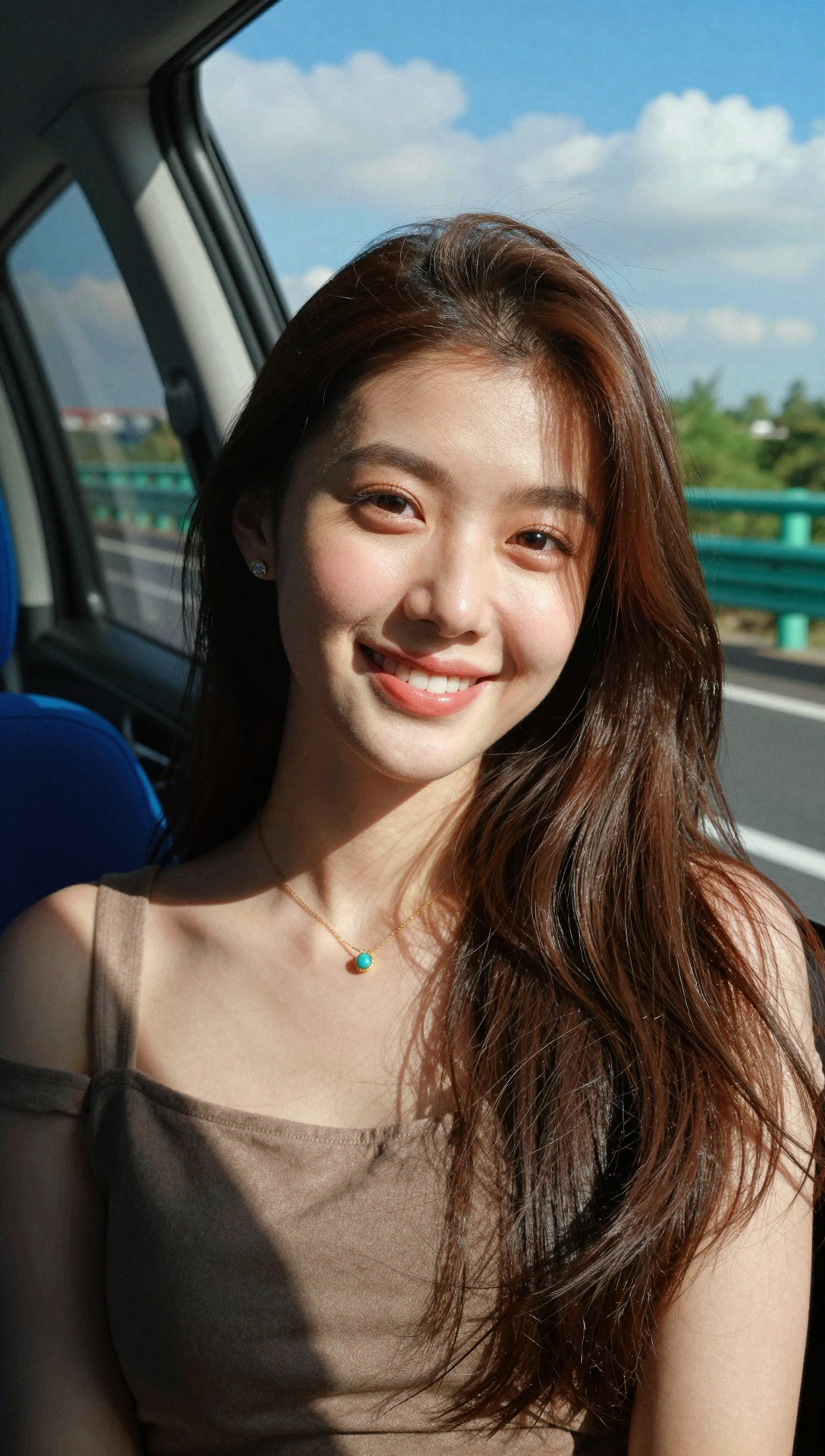
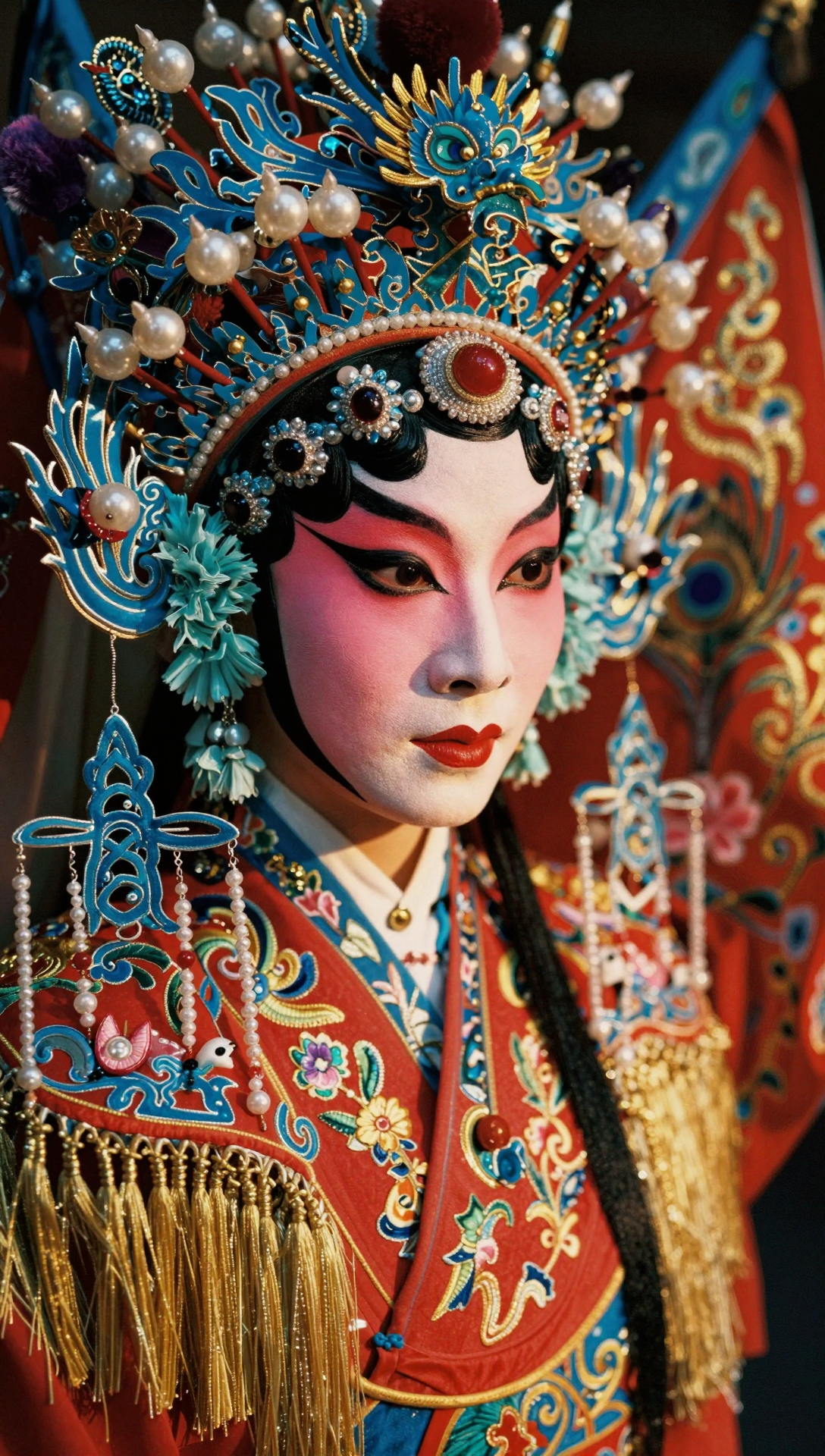
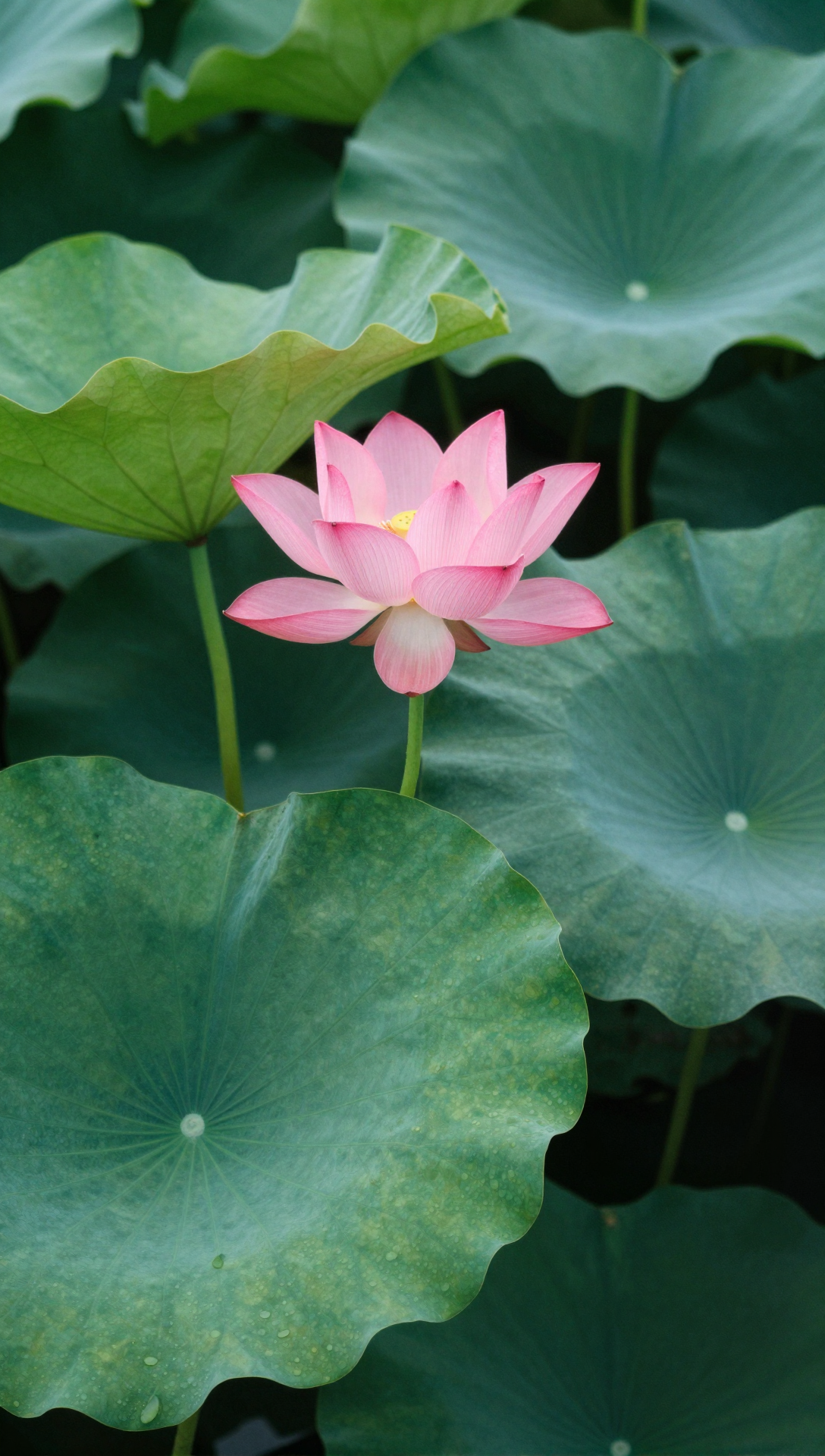
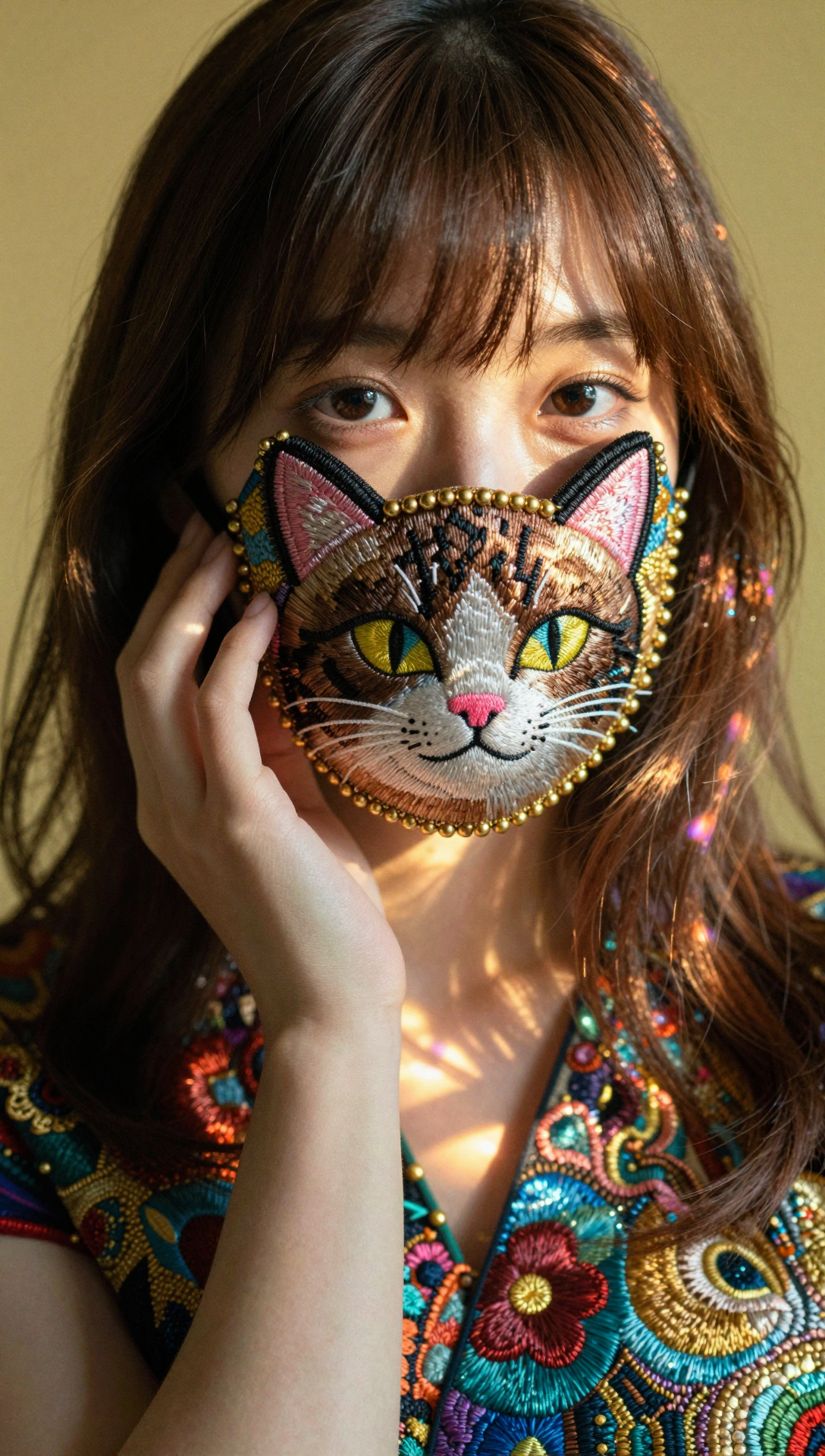
Tip: Officially, Z-Image-Turbo does not support negative prompts/CFG (guidance_scale is fixed to 0; steps are fixed to 8). For more stable results, be explicit about subject, scene, style, camera/lighting, materials, and text (if any).
Positioning
z-image-turbo: fast, high-quality text-to-image
A general-purpose text-to-image model optimised for fast iteration and strong visual quality. Great for portraits, scenes, product-like shots, illustrations, posters, and designs with text.
8-step fast inference
Fixed 8 steps for fast iterations and batch exploration.
High visual fidelity
Focus on clarity, materials, and a finished look.
Native text rendering
CN/EN/mixed typography (quote the exact text you want).
Simpler controls
No negative prompt/CFG in the official setup; control via the prompt.
Prompt category examples (with images)
Use reusable templates: subject + scene + style + camera/lighting + materials + text (if any).
1) Photoreal portraits
Template: subject + lens + lighting + skin/hair details + editorial style.
2) Cinematic scenes
Template: time/weather + key elements + mood (fog/volumetric light) + wide/low angle + grading.
3) Product photography
Template: product + clean backdrop + softbox lighting + shadow style + materials + commercial look.
4) Poster text (quote it)
Template: poster style + layout constraints + put text "SUMMER SALE" on the poster (typography + alignment).
5) Interior/architecture
Template: space type + style + lighting + materials + detail constraints.
6) Illustration & brand styles
Template: subject + style (vector/anime) + poster composition + palette + clean lines.
Prompt best practices (results-focused)
With fewer tunable knobs, the prompt is the main control. Official guidance also recommends longer, more specific prompts and using a Prompt Enhancer (PE) to expand short prompts.
Practice 1: Write complete scene specs
Recommended: subject → scene → style → camera/lighting → materials → constraints.
- Subject: who/what, count, pose, outfit
- Scene: place, time, weather, background elements
- Camera/lighting: lens, DOF, key light, volumetrics
- Detail: texture, reflections, grain, sharpness
Practice 2: Text rendering = exact strings + layout
Quote the exact text and specify typography/layout.
- Example: put "SUMMER SALE" as the main headline (bold, centred, sans-serif)
- Specify language and font style; add alignment and spacing constraints
- Keep hierarchy and whitespace explicit
Practice 3: Don’t rely on negative prompts/CFG
Officially, negative prompts/CFG are not supported (guidance_scale fixed to 0). Use positive phrasing.
- Replace “no blur” with “sharp focus, crisp details”
- Replace “no clutter” with “clean background, minimal elements”
- Replace “no distortion” with “natural proportions, realistic anatomy”
Practice 4: If diversity is limited, generate more variants
Turbo can feel more stable with less randomness; generate more and tweak small variables.
- Generate multiple images per prompt
- Change one variable: lens, lighting, palette, background prop
- Keep subject fixed, vary colour grading for A/B
Practice 5: Use Prompt Enhancer (PE)
The official project provides a Prompt Enhancer example to expand short prompts into controllable long prompts.
- Short: "a cat astronaut"
- Expanded: add outfit, scene, camera, lighting, style, materials, and composition
- Workflow: expand → generate → iterate
When to choose z-image-turbo
Pick it when you need speed + a polished look, and you want to control results mainly through the prompt.
Social covers & poster drafts
Generate 5-10 variants fast, then refine the best direction.
- Fast style exploration
- Works well with native text rendering for banner ideation
Ad creatives & product mood shots
Use commercial photography language to control lighting/materials.
- Softbox lighting, clean backdrops, controllable material feel
- Good for multi-variant creative testing
Ideation (people/scenes/illustrations)
Expand short ideas into detailed prompts (or use PE) to improve controllability.
- Prompt clarity → stability
- Generate multiple variants and compare
FAQ
Common questions about z-image-turbo (based on official docs).
Get started
Generate your next image with z-image-turbo
Be explicit in prompts for stable results. For more variety, generate multiple variants and tweak small details.
Sources & docs
Capability notes and limitations follow official model cards/docs; gallery images are from official repositories/model cards.
Hugging Face: Z-Image-Turbo model card
Constraints and official examples (8 steps, guidance_scale=0, etc.).
GitHub: Z-Image repo (Prompt Enhancer / code)
Includes Prompt Enhancer (PE) examples and inference code.
Official blog: Z-Image prompting & PE
Prompting guidance and Prompt Enhancer example.