
Background Remover
Remove backgrounds for product images and portraits. Export with a transparent background or solid colour.


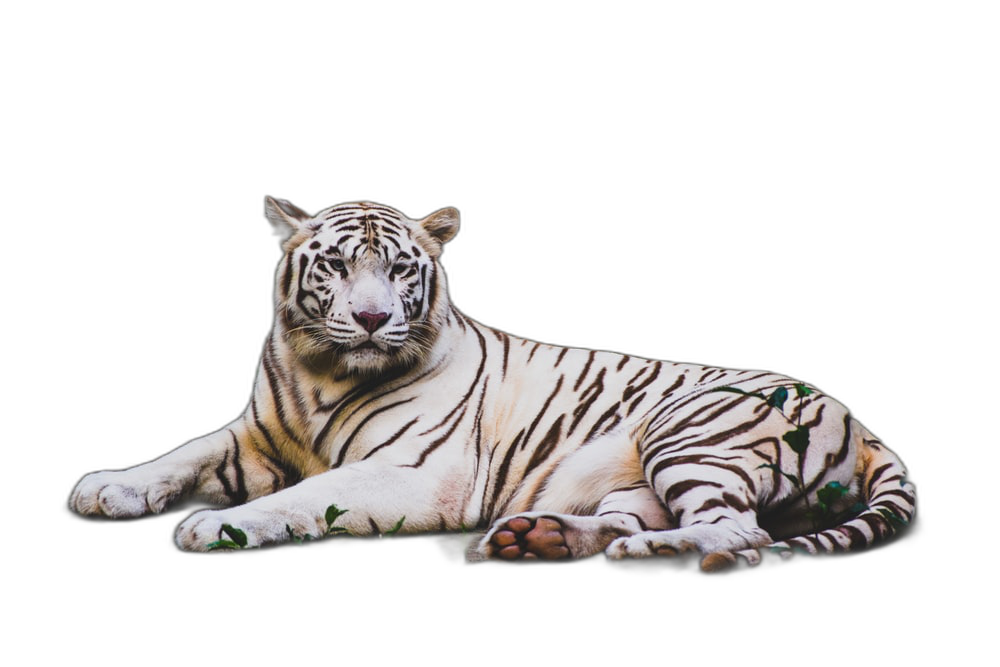
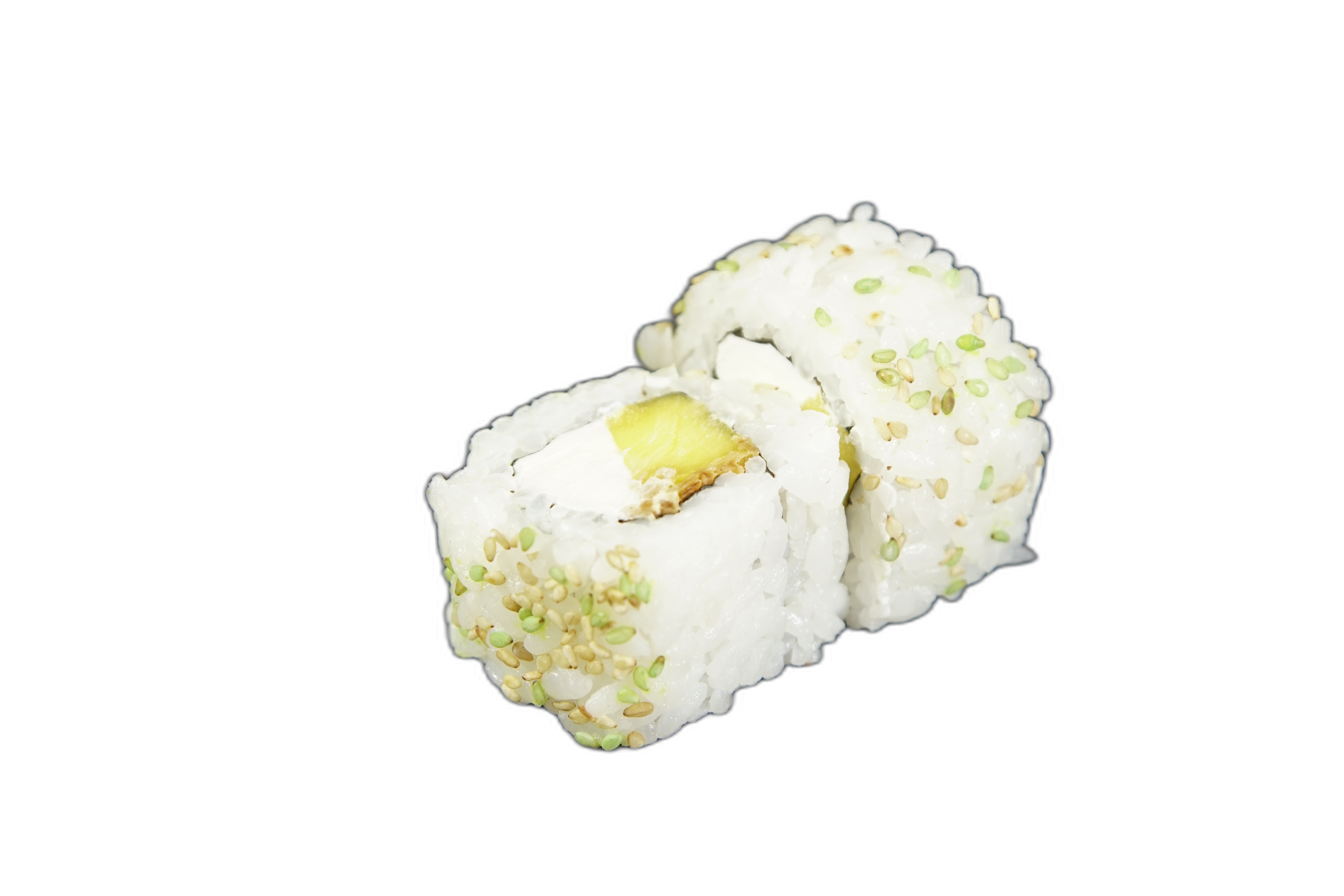
Upload an image to remove the background; output transparent or solid-colour backgrounds.
Model positioning
Background Remover: one-click cutout and background replacement
Quickly separate subject and background, output transparent or solid background assets.
Automatic subject segmentation
One-click background removal with transparent output.
Output format control
Use the format parameter to control output format.
Reverse removal
Use reverse to remove the foreground.
Background type control
background_type supports solid colour, blur, and custom backgrounds.
Common scenarios (with examples)
Upload an image to auto-remove the background.
1) Portrait cutout
Template: input a portrait, output a transparent PNG.
2) Products / vehicles
Template: input a product image, output a solid-colour background.
3) Animal assets
Template: input an animal photo, export a transparent background asset.
4) Food assets
Template: input a food photo, export an asset for collages.
Background removal parameter practices
Control output mainly through parameters.
Practice 1: Output transparent background
Set format to png and background_type to rgba.
- Transparent backgrounds are ideal for compositing
- PNG output is more stable
Practice 2: Control edge softness
Use threshold to control hard cutout threshold.
- threshold=0 uses soft alpha
- Higher thresholds produce harder edges
Practice 3: Reverse removal
Set reverse=true to remove the foreground.
- Useful when you only want the background
- Good for reverse cutouts
Practice 4: Replace background
background_type can be solid, blur, overlay, or a custom background image.
- Presets: white/green/blur/overlay
- You can also pass a background image URL
When should you use background removal?
Best for getting clean assets quickly.
Ecommerce and product images
Quickly unify backgrounds and style.
- Great for batch processing
- Easy asset management
ID photos and avatars
Quickly remove backgrounds and replace with solid colours.
- ID photo background swaps
- Avatar asset cleanup
Design and collage
Transparent backgrounds make compositing easy.
- Poster/cover collage
- Fast layout for social images
Asset library cleanup
Create reusable assets quickly.
- Archive people and object assets
- Improve reuse efficiency
FAQ
Background removal FAQ
Common questions about background removal.
Get started
Remove backgrounds with one click
Upload an image and get a clean cutout fast.
References and sources (for verification and deeper reading)
Features and examples reference public models and tools.
Replicate model page: background-remover
Input parameters and output details.