
Nano Banana Pro Ultra Image Generator
Maximum fidelity and layout control for premium product shots, editorial portraits, posters, UI mockups, and infographic outputs with dense text.
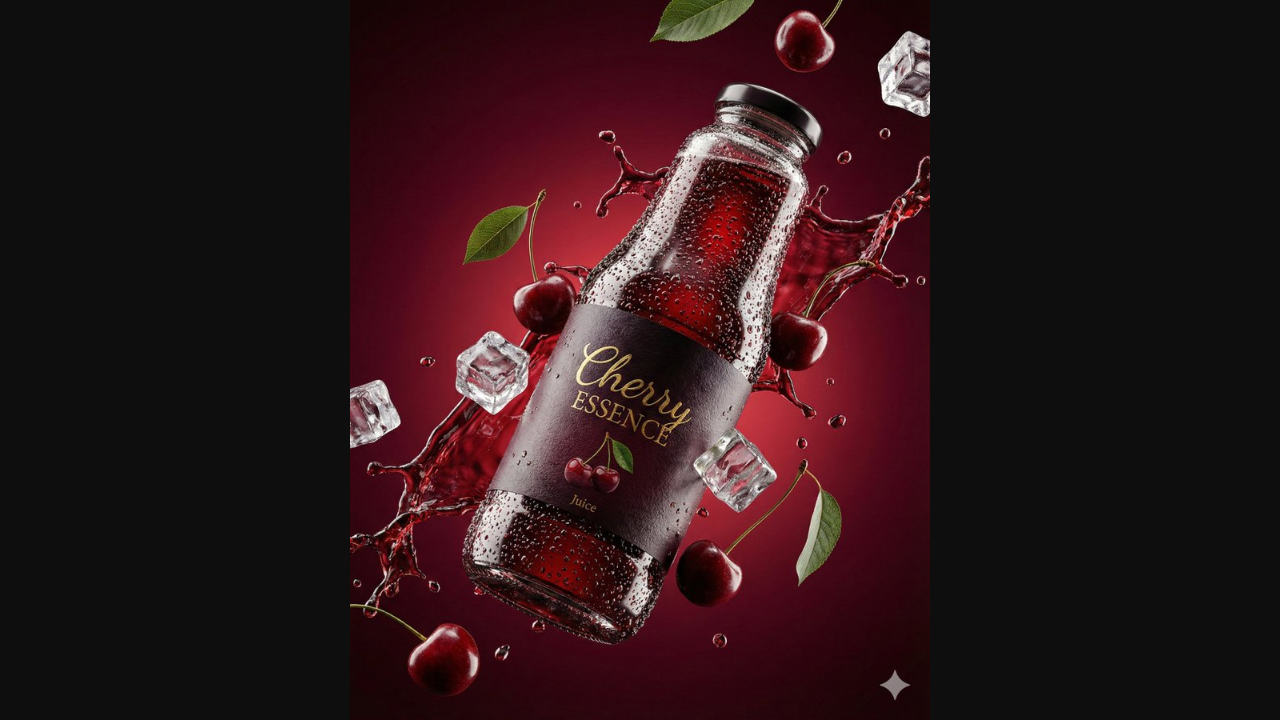
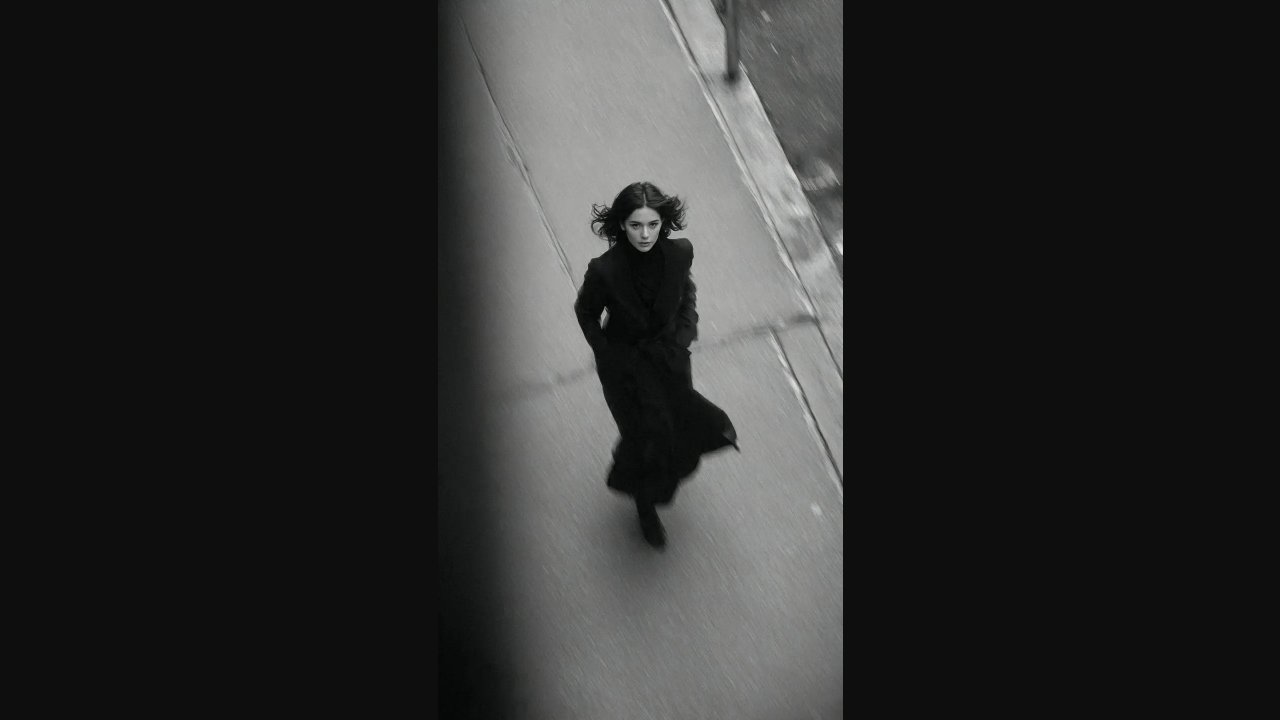
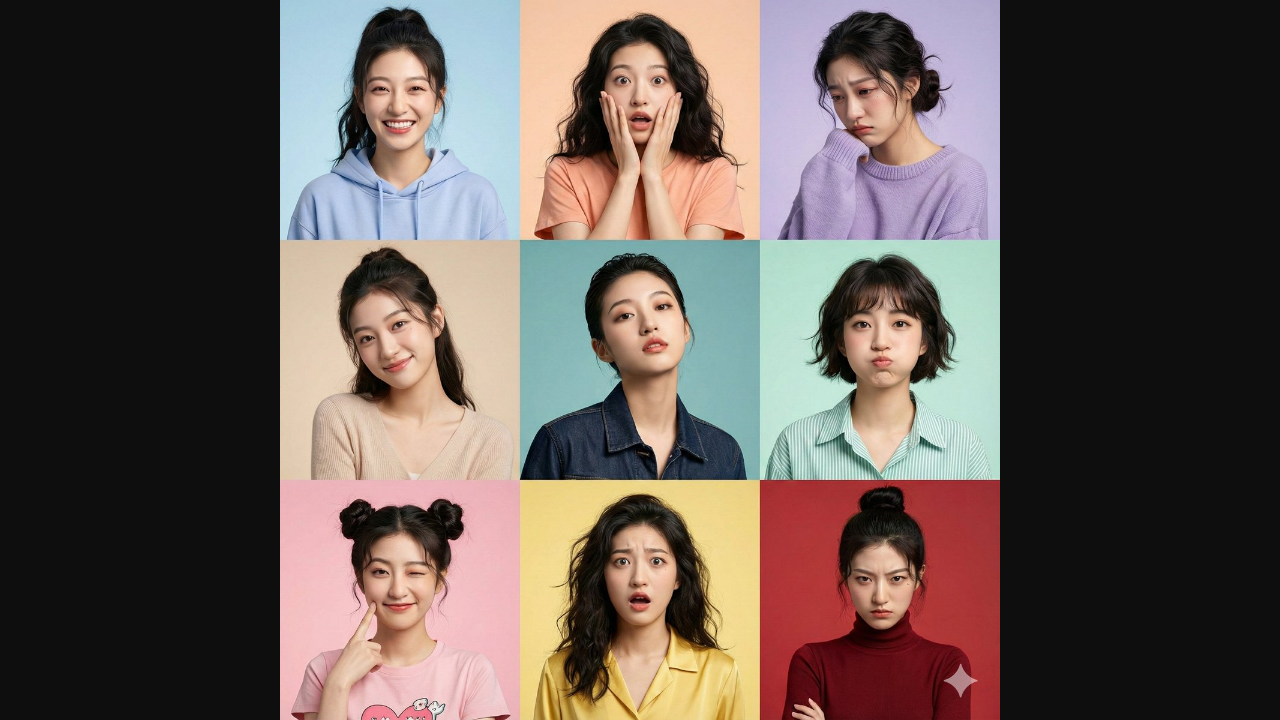
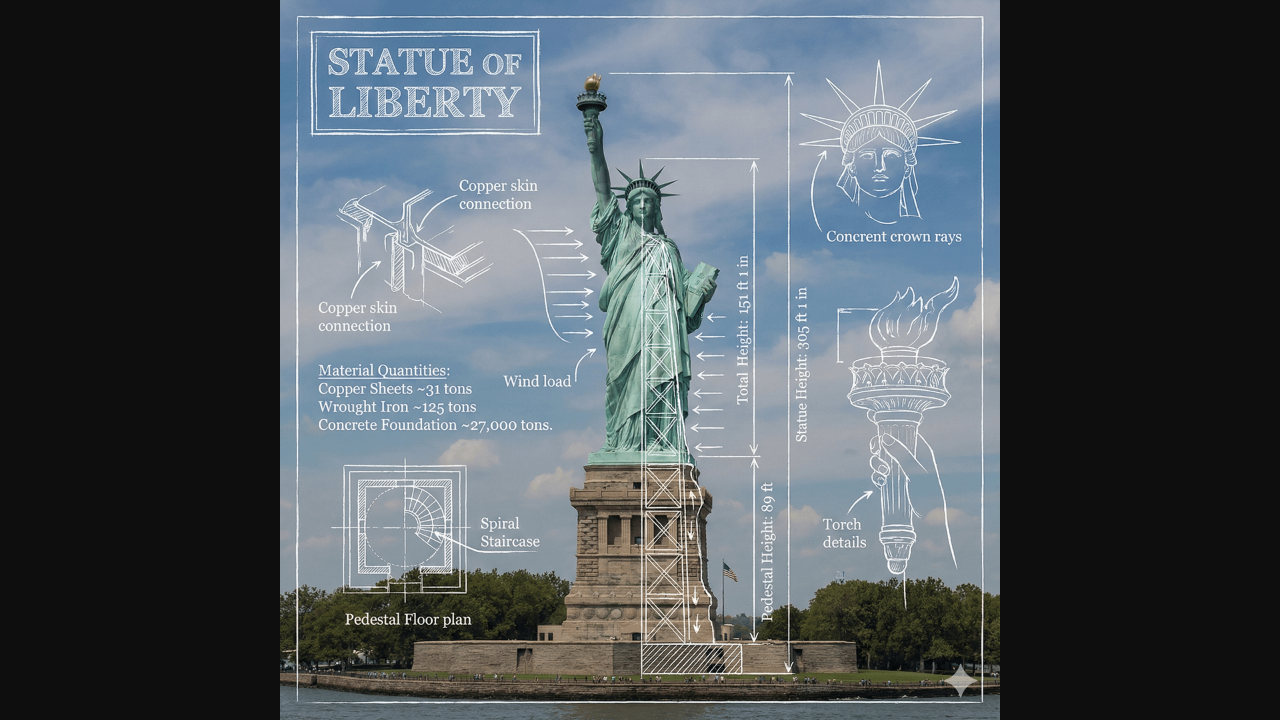
Professional-quality, photorealistic images with reasoning-driven instruction following and high-fidelity text rendering. Supports interleaved text+image output, multi-turn generation/editing, Search grounding and Thinking capabilities, and up to 14 input images (max 6 objects, 5 people).
Model positioning
Nano Banana Pro Ultra (Gemini 3 Pro Image Preview): professional assets with reasoning and text fidelity
Positioned for professional asset production with reasoning-driven instruction following, premium detail, and advanced text rendering.
Professional asset production
Built for commercial-grade visuals and complex layouts.
Reasoning-driven instruction following
Advanced reasoning for multi-step directives and layout constraints.
High-fidelity text rendering
Sharper text for posters, menus, diagrams, and marketing assets.
Interleaved text + image outputs
Return captions, layout notes, and images together for production handoff.
Multi-turn generation and editing
Iterate through conversation to refine composition and typography.
Multi-reference control
Up to 14 input images (max 6 objects, 5 people) for consistency.
Prompt category examples (inspired by premium prompt collections)
Expanded templates for product, portrait, identity sets, posters, UI mockups, and infographic outputs.
1) Premium product shot
Template: product + material + surface + studio lighting + lens + background + aspect ratio + text notes. Example: studio smartwatch on ice with condensation, softbox light, 3:4, minimal copy.
2) Editorial portrait / fashion
Template: subject + pose + wardrobe + lighting setup + lens + mood + colour grade. Example: black bodysuit editorial in a snowy night city, strong rim light.
3) Identity consistency / multi-expression grid
Template: character identity + expression list + grid layout + background + lighting consistency + label style. Example: 3x3 expression grid with consistent light.
4) Data infographic / chart board
Template: topic + key metrics + chart type + labels + icon style + colour rules + data source note.
5) Product poster / packaging
Template: hero product + headline text + layout hierarchy + brand tone + microcopy + props. Example: paired aroma bottles with ultra-fine typography.
6) Packaging close-up / material macro
Template: close-up + material detail + macro lens + depth of field + brand mark + shadow style.
7) UI mockup / design system
Template: UI scene + grid layout + component list + data hierarchy + typography scale + colour system.
8) Cafe campaign poster / brand mood
Template: campaign theme + hero drink + seasonal palette + headline + texture + lighting.
9) Interior design board / proposal layout
Template: floor plan + hero render + material swatches + annotations + multi-panel layout.
10) Science infographic / process diagram
Template: process topic + stages + arrows + callouts + icon style + colour rules.
Nano Banana Pro Ultra prompt best practices (premium output)
Ultra-grade results come from clear specs, layout control, and iterative refinement.
Practice 1: Set output size and aspect ratio first
Match output dimensions to the final use case.
- Up to 4096 px on the long edge
- Select aspect ratio for posters, packaging, or product shots
Practice 2: Specify material and lighting
Premium detail depends on surface and light control.
- Material + texture + reflections
- Lighting setup: key/fill/rim, soft vs hard
Practice 3: Quote text and define hierarchy
Text clarity improves with explicit layout instructions.
- Put the exact text in quotes
- Describe font style, size, and placement
Practice 4: Assign roles for references
Use multi-reference blending for consistency.
- Assign subject/background/style roles
- Up to 14 input images (max 6 objects, 5 people)
Practice 5: Use Search grounding + Thinking when facts matter
Helpful for data visuals and fact-checked labels.
- Define the fact scope and labels first
- Validate text before rendering charts
Practice 6: Structure complex prompts
Use sections to avoid missing constraints.
- Order: subject → layout → text → materials → camera
- Use bullet or JSON-like blocks for multi-part scenes
Practice 7: Iterate with multi-turn edits
Lock composition, then refine text and details.
- Round 1: style + layout + lighting
- Round 2: typography + micro details
Practice 8: Use interleaved text + image outputs
Great for handoffs and production notes.
- Ask for captions and layout notes
- Return text and image in the same response
Practice 9: Add negative constraints and QA passes
Prevent artifacts and keep brand rules intact.
- Exclude extra hands, stray text, or watermarks
- Ask for a second pass to verify typography and alignment
When is Nano Banana Pro Ultra the better choice?
Best when premium detail, text, and layout control are critical.
Premium product shots
Studio-grade quality for product and packaging visuals.
- Sharper materials and reflections
- Consistent hero images
Portraits and fashion editorials
High-fidelity textures and clean lighting.
- Skin and fabric detail
- Cohesive series output
Posters and marketing assets
Stable text and layout for visual campaigns.
- Clear hierarchy
- Print-ready quality
Brand systems and identity sets
Use multiple references to keep a consistent look.
- Unified style across assets
- Consistent character or product
UI and product screens
Ideal for app mockups, dashboards, and UI concepts.
- Grid-based alignment
- Readable typography
Presentation boards / interior design
Multi-panel boards for concept and proposal decks.
- Floor plan + render + materials
- Clear annotations
Multi-turn campaign iterations
Iterate rapidly on ad sets and brand assets.
- Versioned layouts and copy updates
- Consistent styling across variants
Interleaved text + image handoffs
Great for brand guides, decks, and content systems.
- Images paired with captions
- Faster collaboration with teams
FAQ
Nano Banana Pro Ultra FAQ
Common questions about Nano Banana Pro Ultra.
Get started
Create premium images with Nano Banana Pro Ultra
Use high-fidelity prompts, references, and multi-turn edits to deliver production-ready assets.
References and sources (for verification and deeper reading)
Features reference official documentation and model notes; prompt examples draw from public prompt libraries.
Vertex AI: Generate and edit images with Gemini
Model capabilities, long-text rendering, and multi-turn image generation details.
Gemini API docs: Image generation
Official guidance on Gemini 3 Pro Image Preview image generation.
Gemini models and capabilities
Search grounding and Thinking support for Gemini 3 Pro Image Preview.
Nano Banana Pro prompt library (case study)
Premium prompt patterns for product shots, portraits, posters, and infographics.