
GPT Image 1.5 Lite Generator
Fast and cost-efficient. A great default for high throughput generation and quick iteration.
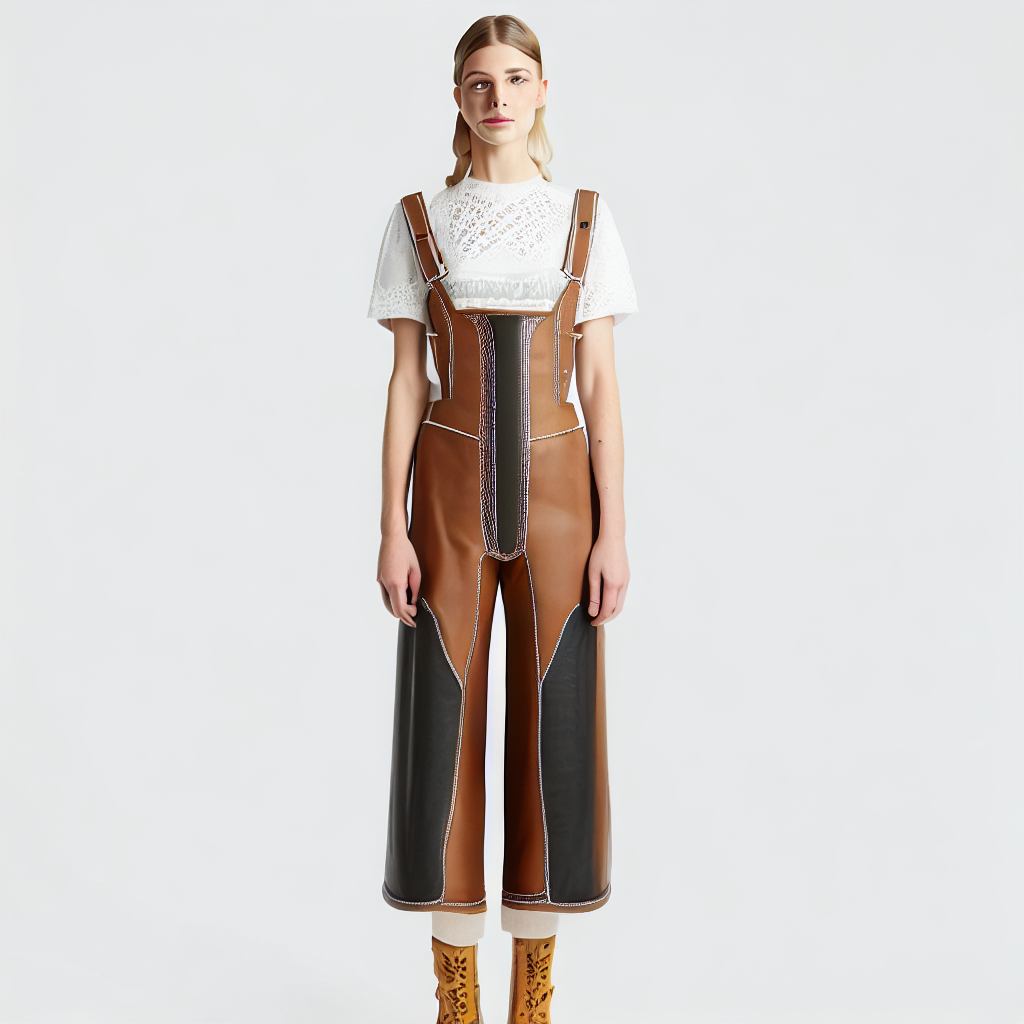
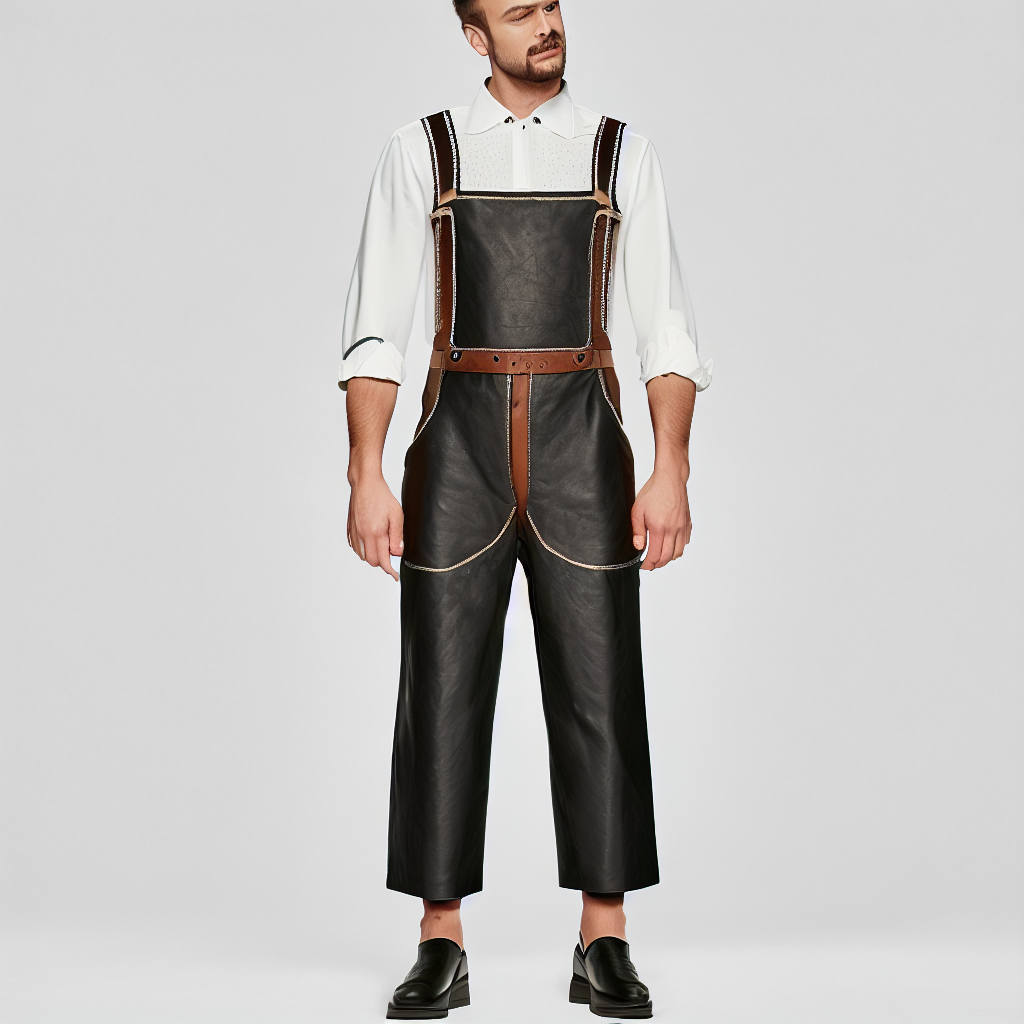
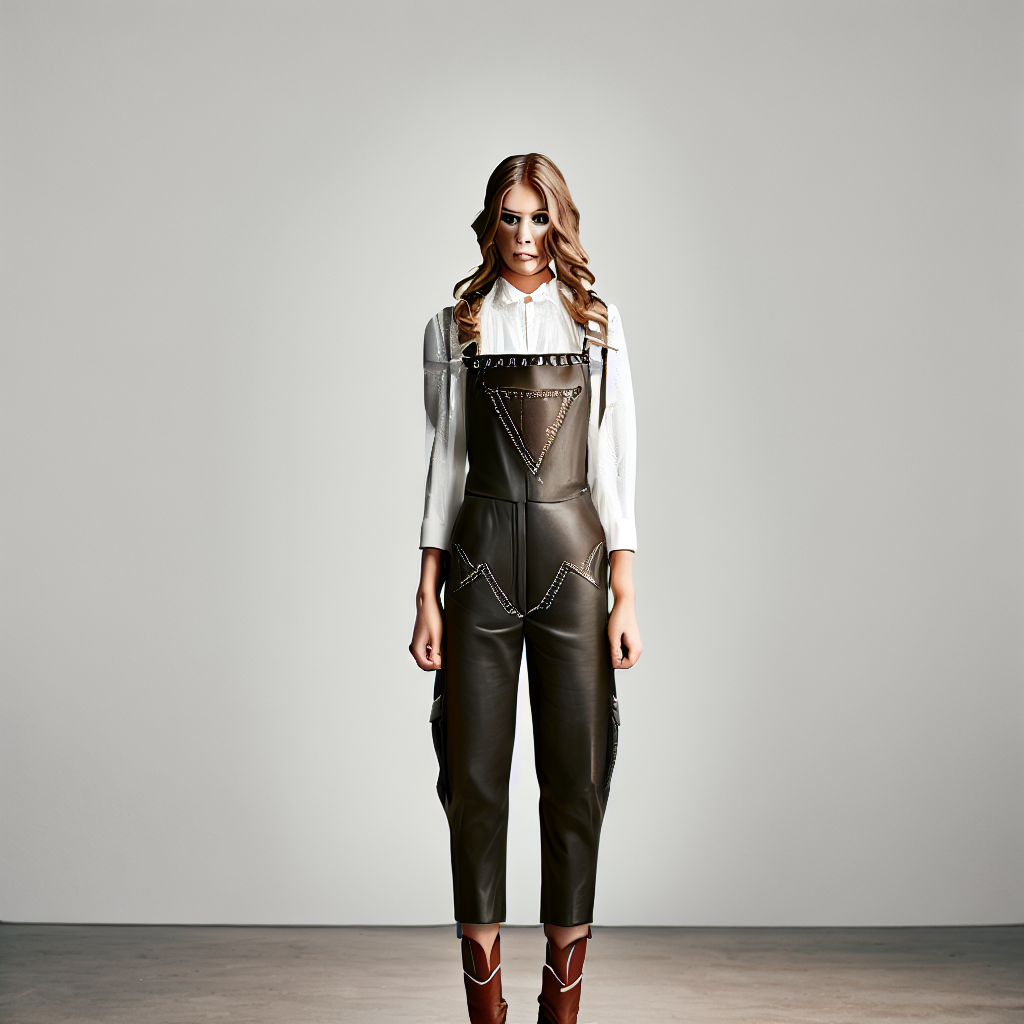
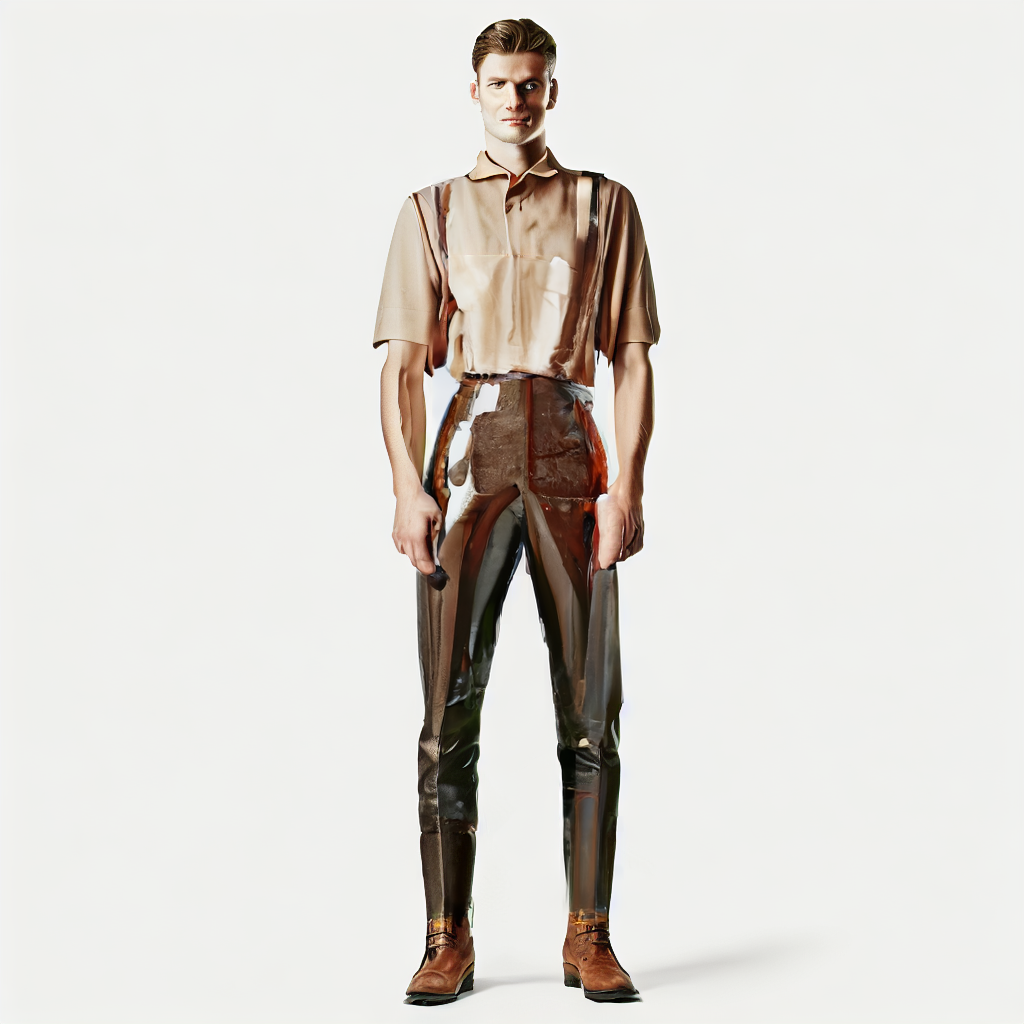
Generate, edit, and use multiple references. Be explicit about subject and details for more stable results.
Model positioning
GPT Image 1.5 Lite: generation and editing in one
Official docs emphasize image generation, editing, and multi-reference composition in a single model.
Generation + editing
Use the same model for generation and edits.
Multi-reference input
Upload multiple references for composition or style guidance.
Precise mask editing
Use masks to control edit regions.
Controllable output params
Supports size/quality/format/background parameters.
Prompt category examples (with official samples)
Templates for generation, composition, and editing.
1) Basic generation
Template: subject + style + key elements.
2) Stylized generation
Template: style keywords + scene description.
3) Local edit
Template: mask area + change request + keep the rest unchanged.
4) Detail enhancement
Template: detail/material/lighting requirements.
GPT Image 1.5 Lite prompt best practices (results-oriented)
Describe the target image clearly and use parameters and masks effectively.
Practice 1: Describe subject and key details
Start with subject, scene, style, and key details.
- Subject + style + lighting/materials
- Add desired layout/composition
Practice 2: Explain the purpose of each reference
Label how each reference image should be used.
- For example: subject / prop / style reference
- Avoid conflicting style instructions
Practice 3: Use masks for local edits
Only modify the masked region.
- Change request + keep the rest unchanged
- Use input_fidelity to control preservation
Practice 4: Control output parameters
Use size/quality/output_format/background parameters.
- Resolution, quality, and format are controllable
- Set background for transparency if needed
Practice 5: Put text in quotes
Specify exact text to reduce ambiguity.
- Example: write "Two dogs playing chess" on the mug
- Add font, position, and alignment
When is GPT Image 1.5 Lite the better choice?
Best when you need a workflow that combines generation, editing, and multi-reference input.
Local edits and second-pass creation
Use masks to control edit regions.
- Replace local materials/colours
- Preserve subject structure
Multi-image composition and reference
Showcases editing and composition capability.
- Combine people and props
- Unify style and composition
Brand / logo / copy images
Great for branded assets with text.
- Logo and tagline combinations
- Controllable layout and placement
Products and ecommerce images
Clear materials and detail presentation.
- Product backgrounds and lighting
- Display-ready assets
FAQ
GPT Image 1.5 Lite FAQ
Common questions about GPT Image 1.5 Lite.
Get started
Generate your next image with GPT Image 1.5 Lite
Use one model for both generation and editing.
References and sources (for verification and deeper reading)
Features and examples reference official OpenAI docs.